How to Let People Inquire About Your Events on Squarespace
You've put together an event.
A workshop. A retreat. A class. A live experience.
You've built the page on Squarespace. It looks great. People are landing on it.
But some of them aren't buying a ticket yet.
Not because they're not interested. But because they have questions first.
Can they bring a friend? What's included in the price? Is it suitable for beginners? What happens if they need to cancel?
They look for a way to ask.
There isn't one.
So they leave. And your event runs with empty seats that didn't need to be empty.
Why a Buy Ticket Button Isn't Enough
Buying a ticket is a commitment.
For some people — especially for higher priced events, multi-day experiences, or anything unfamiliar — that commitment feels too big without answers first.
They're not tyre kickers. They're genuinely interested people who just need one or two things confirmed before they say yes.
But your Squarespace event page only gives them one option. Buy now or leave.
So they leave.
What They Actually Need
They need a way to ask — without committing.
A simple inquiry option right on the event page. Something that says: got a question before you book? Ask us here.
They submit their question. You answer it. They buy the ticket.
That's a conversion you would have lost without an inquiry option.
How QuotePlugin Handles Event Inquiries
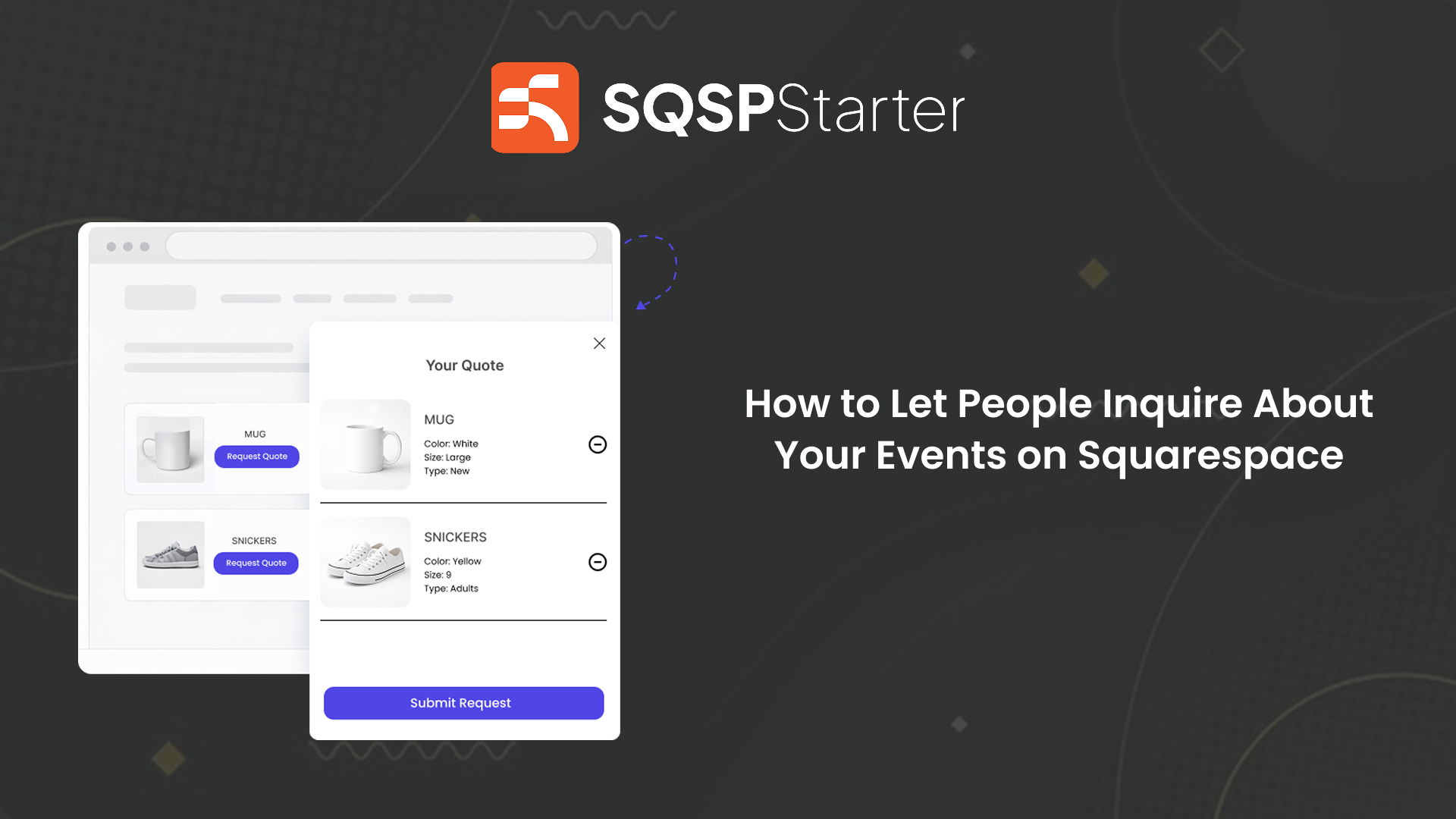
QuotePlugin adds an "Inquire About This Event" button directly to your Squarespace event pages.
When someone clicks it, they submit their question or details — tied to that specific event.
You receive the inquiry instantly by email with their name, contact details, which event they're asking about, and their question.
You reply. You answer. They book.
No separate contact form. No lost context. No potential attendee falling through the cracks because they couldn't find a way to ask.
Who This Works For
Any Squarespace site hosting events where attendees might have questions before committing:
Workshops and classes — attendees want to know skill level required, what to bring, group sizes.
Retreats and experiences — higher ticket price means more questions before committing.
Corporate and professional events — attendees need to confirm details before getting approval to attend.
Community and membership events — people want to know who else is coming, what the format is, whether it's right for them.
If your event has a price tag attached — someone out there has a question before they'll pay it.
The Seats You're Leaving Empty
Right now people are landing on your event pages with a question on the tip of their tongue.
They want to attend. They just need one thing confirmed.
But there's no easy way to ask. So they don't. And your event runs with seats that could have been filled.
An inquiry button on your event page changes that. It gives interested people a reason to stay engaged instead of walking away.