How to Accept Rental Inquiries on Your Squarespace website
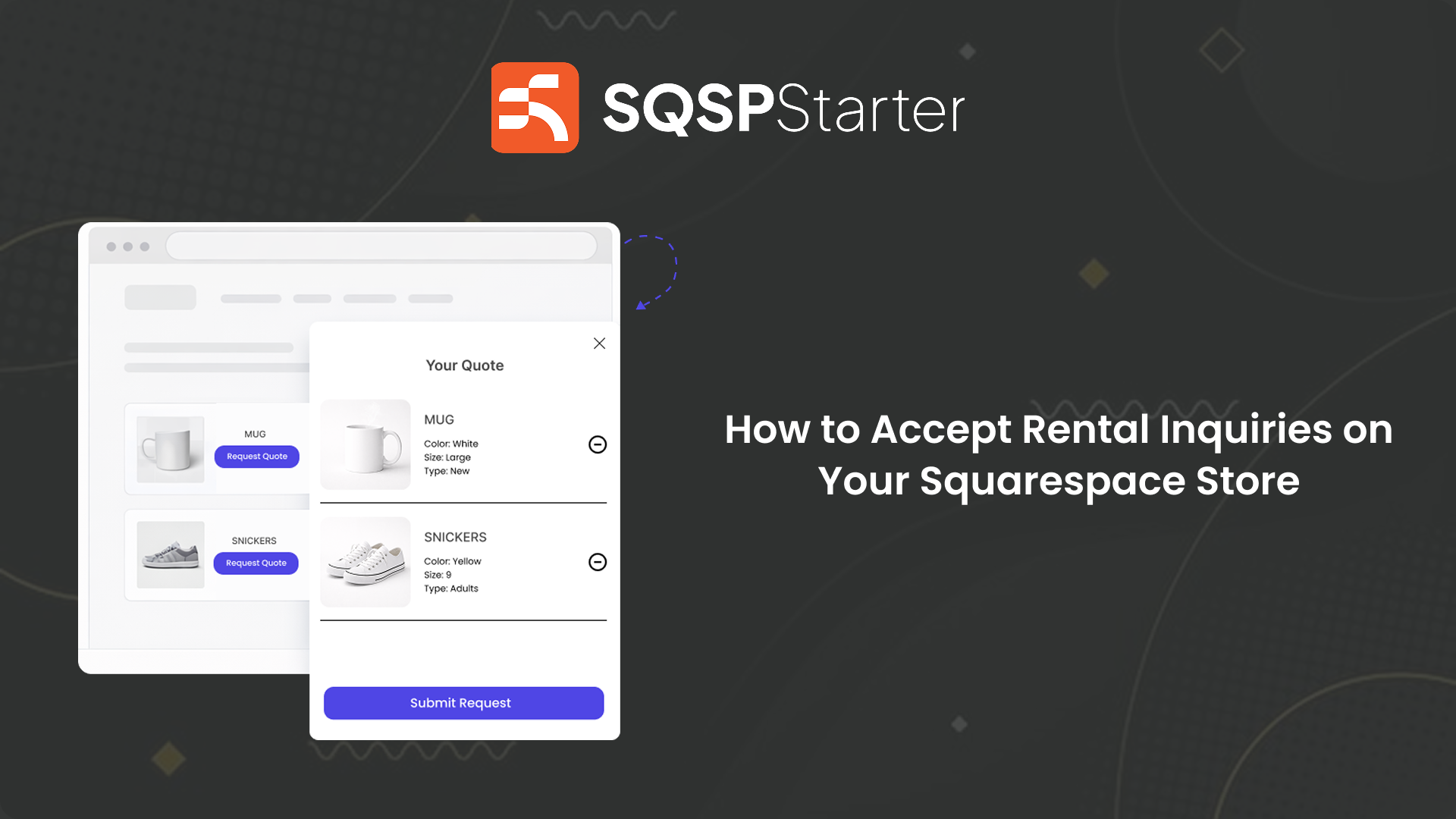
Renting something out isn't like selling it.
A customer can't just add it to a cart and check out.
They need to know if it's available on their date. Whether it fits their requirements. What's included in the price. How delivery or pickup works.
And you need to know who's renting it, when, for how long, and what they need — before you can confirm anything.
But Squarespace's default setup doesn't account for any of that.
Why Checkout Doesn't Work for Rentals
When someone wants to rent a piece of furniture for an event, a camera for a shoot, or AV equipment for a conference — the transaction can't happen without a conversation first.
Availability needs to be confirmed. Dates need to be agreed. Deposit terms need to be explained.
Pushing a rental customer straight to checkout is like asking someone to pay for a hotel room before telling them if there's a vacancy.
It doesn't work. And it costs you bookings.
What Rental Customers Actually Need
They need to be able to tell you:
What they want to rent
When they need it
For how long
Any specific requirements or questions
And they need to do that before any money changes hands.
A structured rental inquiry form — tied directly to the item they're interested in — is what makes that possible.
Not a generic contact form. Not a checkout. A proper inquiry that captures everything you need to confirm the booking.
How QuotePlugin Works for Rental Businesses
QuotePlugin adds an "Inquire About This Item" or "Check Availability" button directly to your Squarespace product pages.
When a customer clicks it, they submit their rental details — dates, duration, quantities, requirements — tied to the exact item they're interested in.
You receive the inquiry instantly by email with everything you need to confirm availability and follow up with pricing.
No back and forth just to gather basic information. No customers dropping off because checkout felt wrong for a rental. Just structured inquiries from customers who are ready to book.
Who This Works For
Any Squarespace rental business where availability and requirements need to be confirmed before payment:
Party and event rentals — furniture, tableware, decorations, tents, linens.
AV and production equipment — cameras, lighting, sound systems, staging.
Costume and wardrobe rentals — sizing, availability, occasion requirements.
Sports and outdoor equipment — kayaks, bikes, camping gear, ski equipment.
Venue rentals — spaces that need date confirmation, capacity discussion, and terms agreement before booking.
If your rental business runs on availability and dates — your Squarespace store needs a way to capture that information before anything else.
The Bookings You're Losing Right Now
Customers are landing on your rental pages right now.
They want to rent something. They're ready to move forward.
But they can't figure out how to check availability. The checkout doesn't make sense for a rental. The contact form asks for nothing specific.
So they leave. And call a competitor who made it easy to inquire.
A rental inquiry button on your product pages changes that completely.