How to Track Product Demand in Squarespace
Understanding what customers want is more valuable than just knowing what they buy.
Because not every interested customer converts immediately.
If you only rely on sales data, you miss a huge part of the picture.
The Problem with Default Squarespace Analytics
Squarespace shows you:
Sales
Revenue
Traffic
But it does not show product intent.
You can’t see:
Which products people are interested in but didn’t buy
What customers considered before leaving
Which items are repeatedly viewed or desired
So you’re making decisions based only on completed purchases, not actual demand.
What “Product Demand” Really Means
Product demand is not just: “what sells”
It’s: “what customers are interested in, even if they don’t buy yet”
This includes:
Products viewed multiple times
Items compared but not purchased
Products customers want to come back to
Tracking this gives you a much clearer view of what’s working.
1. Use Sales Data (Basic Signal)
Your first signal is obvious:
Best-selling products
Revenue per product
Conversion rates
But this only shows confirmed demand, not potential demand.
2. Analyze Behavior (Partial Signal)
You can also look at:
Page views per product
Time spent on product pages
Add-to-cart actions
This helps, but still doesn’t tell you:
Did the customer actually want it?
Will they come back for it?
3. Capture “Saved Products” (Real Demand Signal)
This is where things get powerful.
When a customer saves a product, they’re saying: “I want this, just not right now.”
This is the most accurate signal of demand.
Because it sits between:
Browsing
And buying
Why Saved Products Matter More Than Views
Views can be accidental.
Clicks can be curiosity.
But saved items show:
Clear intent
Product preference
Future buying likelihood
If multiple customers save the same product, you’ve identified strong demand even before sales happen.
4. Identify High-Demand Products Early
By tracking saved items, you can:
Spot trending products before they sell out
Promote high-interest items
Adjust pricing or positioning
Feature them on homepage or collections
This gives you a competitive advantage.
5. Understand Customer Preferences
Tracking demand helps you answer:
What styles or categories people prefer
Which products are frequently considered together
Where customers hesitate
This improves:
Product strategy
Marketing decisions
Inventory planning
6. Turn Demand Into Conversions
Once you know what customers want, you can:
Highlight popular items
Encourage return visits
Nudge customers toward purchase
Demand without action is wasted insight.
The goal is to convert that interest into revenue.
Where Squarespace Falls Short
Squarespace does not provide:
Product-level intent tracking
Saved item tracking
Customer-level interest data
So by default, you’re missing: “pre-purchase behavior”
How to Actually Track Product Demand
To properly track product demand in Squarespace, you need more than just analytics. You need a system that captures real customer intent, not just clicks or visits.
That means:
Letting customers save products they’re interested in
Linking those saved items to a customer (via email)
Giving you visibility into what’s being saved and how often
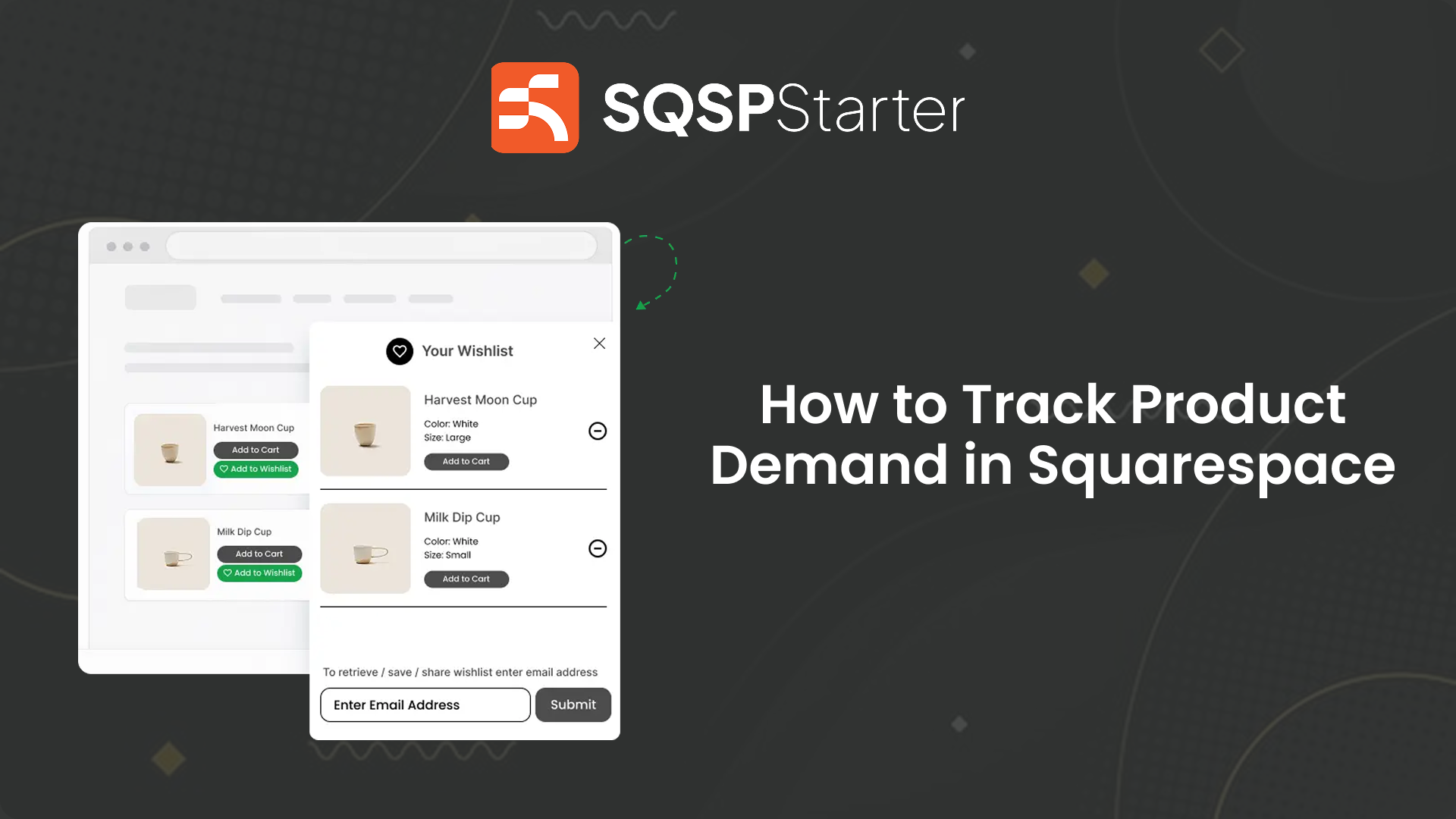
This is exactly where a dedicated wishlist system like WishlistFlow comes in.
Instead of guessing demand from page views or sales, you can actually see:
Which products customers want but haven’t bought yet
What items are consistently being saved
Where real purchase intent is building
This gives you:
Clear, real demand data
Actionable insights you can use immediately
A direct way to turn interest into future sales
In short, you move from reacting to sales → to understanding demand before it converts.
FAQs
What is product demand in eCommerce?
It’s the level of customer interest in a product, not just completed purchases.
Can Squarespace track product demand?
Not fully. It tracks sales and traffic, but not product-level intent like saved items.
What is the best way to measure demand?
Tracking saved products (wishlist behavior) is one of the most accurate indicators.
Why is demand tracking important?
It helps you identify popular products early and optimize your store for higher conversions.
Final Thoughts
If you only track sales, you’re always reacting late.
By tracking product demand, you start understanding what customers want before they buy.
And that’s where better decisions and higher conversions come from.